A small joystick on the screen distinguished five textures
One piece with a magnet and coil pushes and vibrates. Ten people distinguished five textures in about 97% of trials.
The key idea
An interface can use touch both to guide an action and to describe what appears on the screen.
The study, in plain language
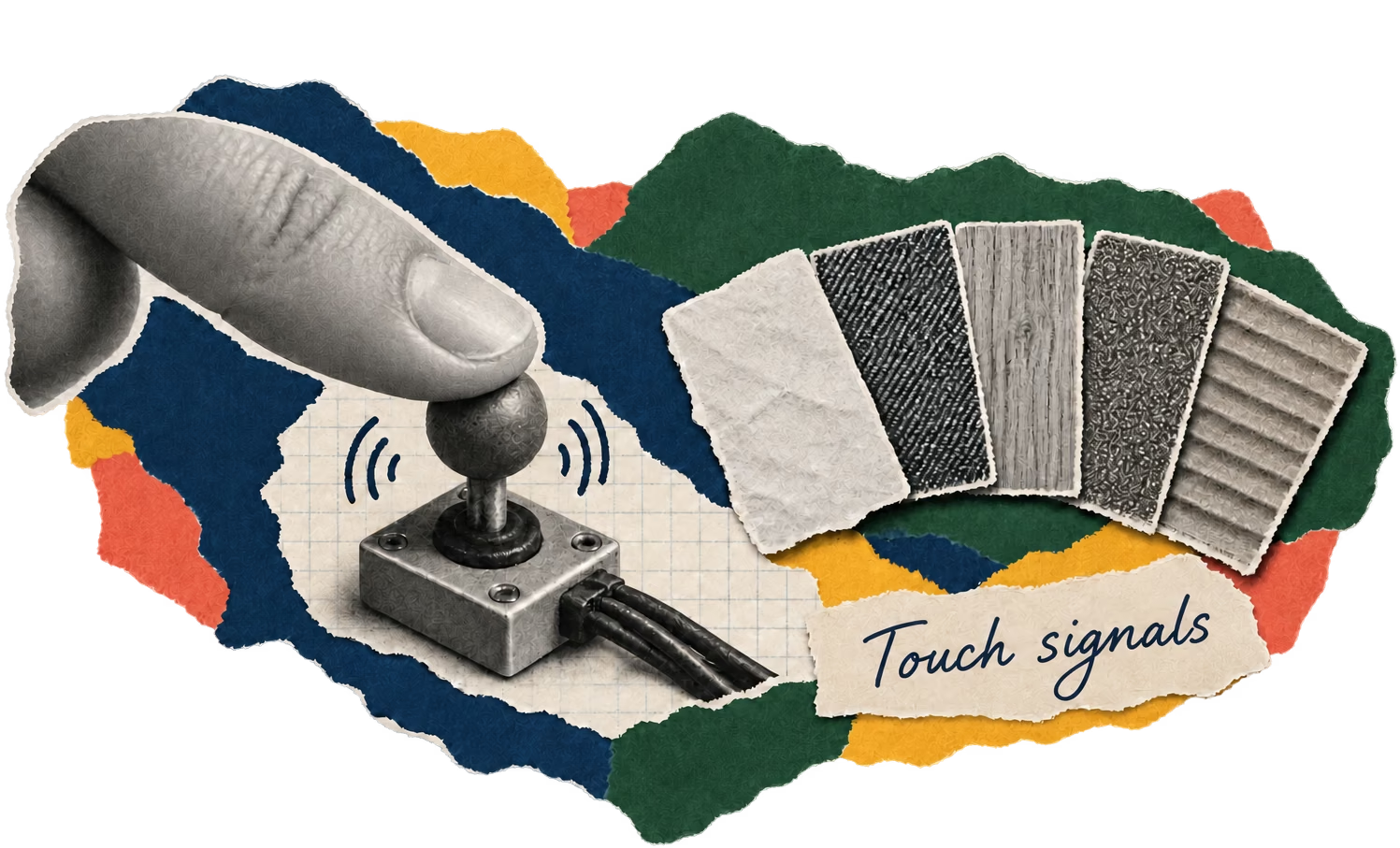
The device is a small joystick that rests on a touchscreen. One actuator, with a magnet and coil, can push, pull, or vibrate. It serves two purposes: helping the cursor reach a target and marking differences between virtual surfaces.
Twelve people tested six pointing modes, and the mode that combined physical and software assistance had the shortest average time. In another test, ten participants felt five virtual textures. Each round presented two reference vibrations and a third, and participants chose which of the first two it resembled. They were correct in nearly all trials.
In a separate test, after two initial learning sessions, participants associated those signals with paper, wood, denim, sandpaper, and cardboard. Distinguishing two vibrations and matching a signal with a material are different tasks, and the device was tested on both. Wood and denim were the most confused materials.
What they found
- With physical and software assistance, pointing took less time than with the unassisted on-screen joystick.
- People almost always distinguished the vibrations for five virtual textures.
- After several learning sessions, they matched signals with paper, wood, denim, sandpaper, and cardboard; wood and denim were most often confused.
How they studied it
Researchers built a joystick with one actuator and compared six pointing modes with 12 people. They then tested whether ten people could distinguish and associate five vibration-based textures with materials. These were small laboratory tests. Vibration conveys part of roughness but does not reproduce temperature or the full experience of touching a material.
What the study cannot show
- These were small laboratory tests. Vibration conveys part of roughness but does not reproduce temperature, stickiness, or the full experience of touching a material.
Something to think about
When an app gives you a vibration, ask what it is telling you: that something was confirmed, where to move your finger, or what the thing you are touching feels like.
The original study
HAPmini: 2D haptic feedback generation using single actuator device
Source under CC BY 4.0. English adaptation and explanation by PaperFlow, with AI assistance. The text has been reorganized for a general audience; it is not the complete paper and does not imply endorsement by its authors.
One study alone does not represent a field's consensus. Educational content does not replace professional advice. Report a possible error.